On This Page
Configure Order Status Visibility
You can choose to hide order status messages that you do not want customers to
view.
- Open PrestaShop Back Office and selectShop Parameters > Order Settingsfrom the Dashboard. The Order Settings page displays.

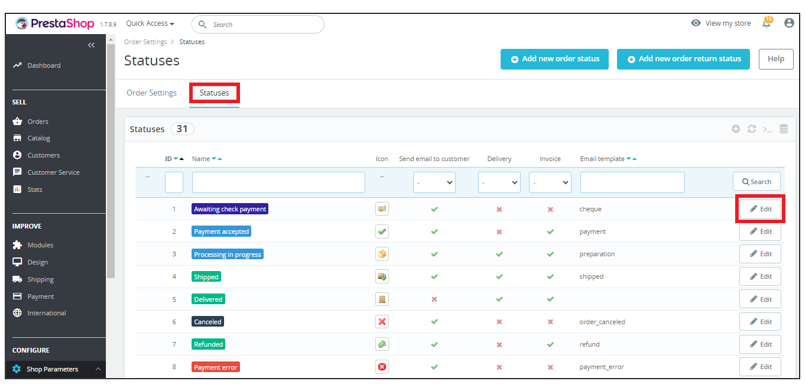
- Click theStatusestab. The Statuses page displays and lists the order status messages.
- ClickEditfor the status message you want to translate. The Edit: status message page displays.
- Selecthide this status in all customer ordersoption.

- ClickSave.