On This Page
Enforce Strong Customer Authentication
Select the Enforce Strong Customer Authentication setting to prompt a 3DS challenge
when a customer saves their credit card information. The customer is 3DS challenged when
a transaction is declined as reported by response code 478 (Strong Customer
Authentication required). After the transaction is declined, another request is sent for
the same order.
The Enforce Strong Customer Authentication setting is only
available when the Payer Authentication/3D Secure (general plug-in setting) and
Tokenization (fraud management plug-in setting) are enabled. See Configuration Settings for information about these
settings and Configure Plug-In Settings for information about how
to set them/
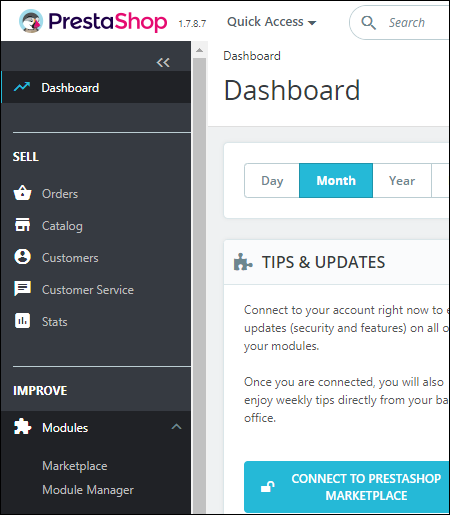
- Open PrestaShop Back Office and selectModules > Module Managerfrom the Dashboard. The Module Manager page displays.
- Locate the plug-in in thePaymentsection on the Module Manager page or enter “CybersourceOfficial” in theSearchfield and clickEnter.

- ClickConfigure. The ConfigureCybersourceOfficial page displays.
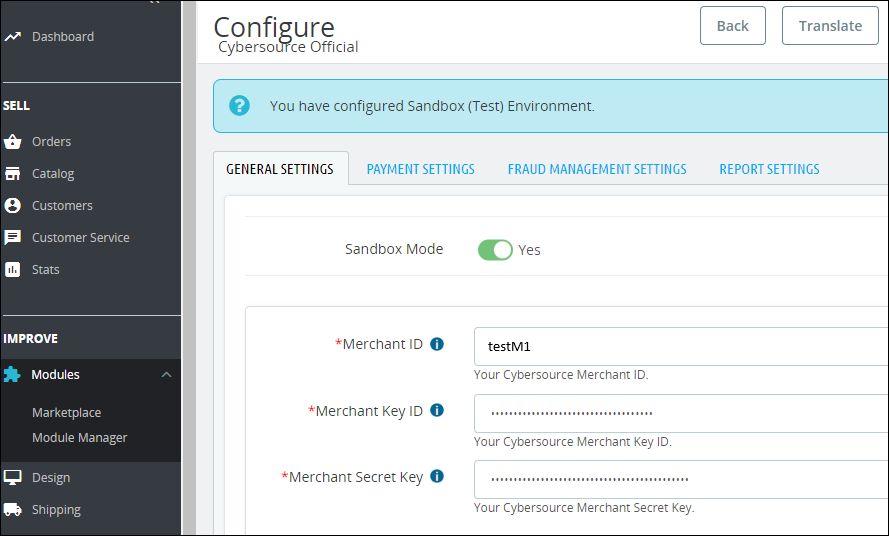
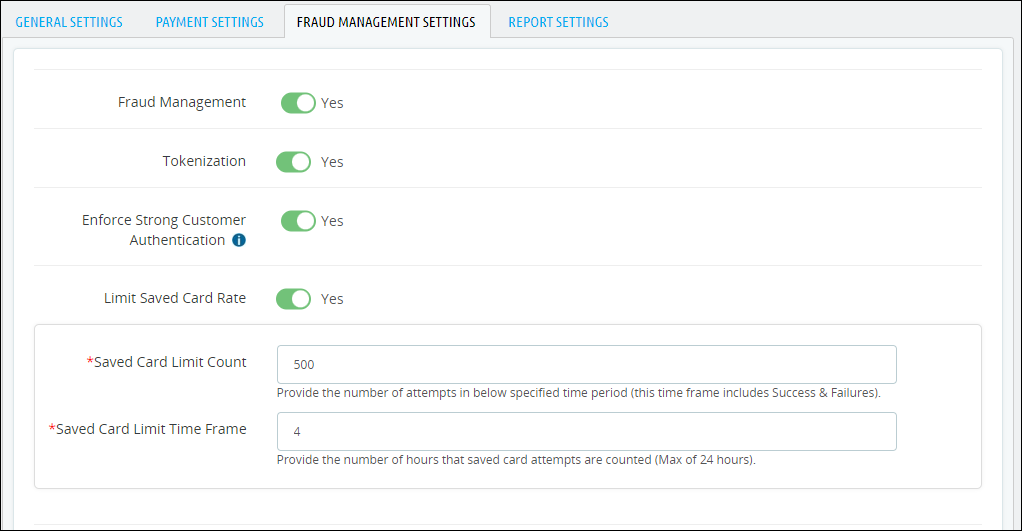
- Select theFRAUD MANAGEMENT SETTINGStab.
- Set the Enforce Strong Customer Authentication setting toYes.
- ClickSaveto save the configuration settings.