On This Page
Set Up Cron Scheduler for MAC
- Open a MAC terminal.
- Entercrontab-eto enter editor mode. For example:
ADDITIONAL INFORMATION
C02X63PRJG5J:~ $crontab -eEditor mode displays and look similar to the editor mode shown in the image below.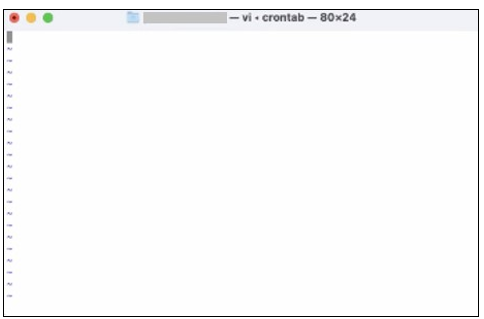
- Enter the command to set the timing for the cron job. For example, this command sets the cron job to run every 45th minute of every hour, every day, every week, and every month:
ADDITIONAL INFORMATION
45 * * * * curl https://www.qa.prestahop.cybsplugin.com/mps1786/module/cybersourceofficial/paymentReport - EnterEsc + : + w + qto close the editor. The editor closes and displays this message:
ADDITIONAL INFORMATION
crontab: installing new crontab - Enter thecrontab -lcommand to check the scheduled cron job. For example:
ADDITIONAL INFORMATION
C02X63PRJG5J:~ $crontab -lThe scheduled cron job should display on the screen. For example:45 * * * * curl https://www.qa.prestahop.cybsplugin.com/mps1786/module/cybersourceofficial/paymentReport