On This Page
After Authorization Workflow
This workflow identifies the order of events that occur after a customer places a new
order using PrestaShop Front Office. The workflow shows how the order status is updated
when the authorized transaction is captured or reversed (full authorization reversal).
- The new order displays in PrestaShop Back Office and the order status isAwaiting payment.

- The merchant selects one of these actions:
- Standard capture is initiated by clickingStandard capture.
- Multiple partial capture is initiated by clickingPartial capture.
- Full authorization reversal is initiated by clickingCancel products. In this case, the merchant must also cancel the order, which requires the selection of all the quantities and all the items included in the order.A partial authorization reversal is not supported.

- When the merchant initiates a full authorization reversal, the authorization is cancelled and the order status is set toCancelled.

- When the merchant initiates a multiple partial capture, they choose how many quantities to capture and whether to include the shipping costs.
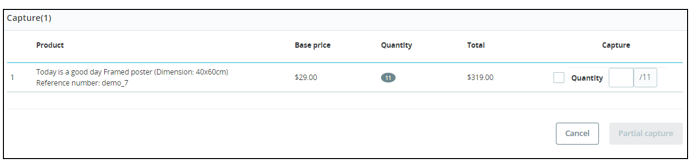 After multiple partial captures are processed, the order status is set toPartial payment accepted.

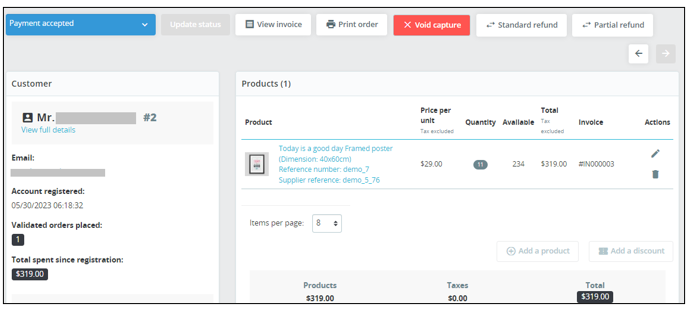
- When the merchant initiates a full capture, the entire authorization amount is captured and the order status is set toPayment accepted.