On This Page
Update a Webhook Subscription
This section describes how to update a webhook subscription, such as updating the notification
scope, health check URL, or retry policy. Include only the fields that you want to
update in your request.
This request requires the webhook subscription ID. The subscription ID is in the
webhookId
response field from the create a webhook
subscription
request.Endpoints
Send a PATCH request to one of these endpoints. The is the
webhook subscription ID.
{webhookId}
- Test:PATCHapitest.cybersource.com/notification-subscriptions/v2/webhooks/{webhookId}
- Production:PATCHapi.cybersource.com/notification-subscriptions/v2/webhooks/{webhookId}
- India Production:PATCH https://api.in.cybersource.com/notification-subscriptions/v2/webhooks/{webhookId}
Optional Fields for Updating a Webhook
Subscription
Example: Updating a Webhook Subscription
{
  "name": "My Sample Webhook",
  "description": "Sample decision manager webhook reject event.",
  "products": [
    {
      "productId": "decisionManager",
      "eventTypes": [
        "risk.profile.decision.reject"
      ]
    }
  ],
  "webhookUrl": "https://MyWebhookServer.com:8443:/simulateClient",
  "healthCheckUrl": "https://MyWebhookServer.com:8443:/simulateClientHealthCheck",
  "notificationScope": {
    "scope": "CUSTOM"
  }
}
Response Codes
A successful request is indicated by the 200-level response code.
For more information about all of the
possible response codes you can receive, see Transaction Response Codes
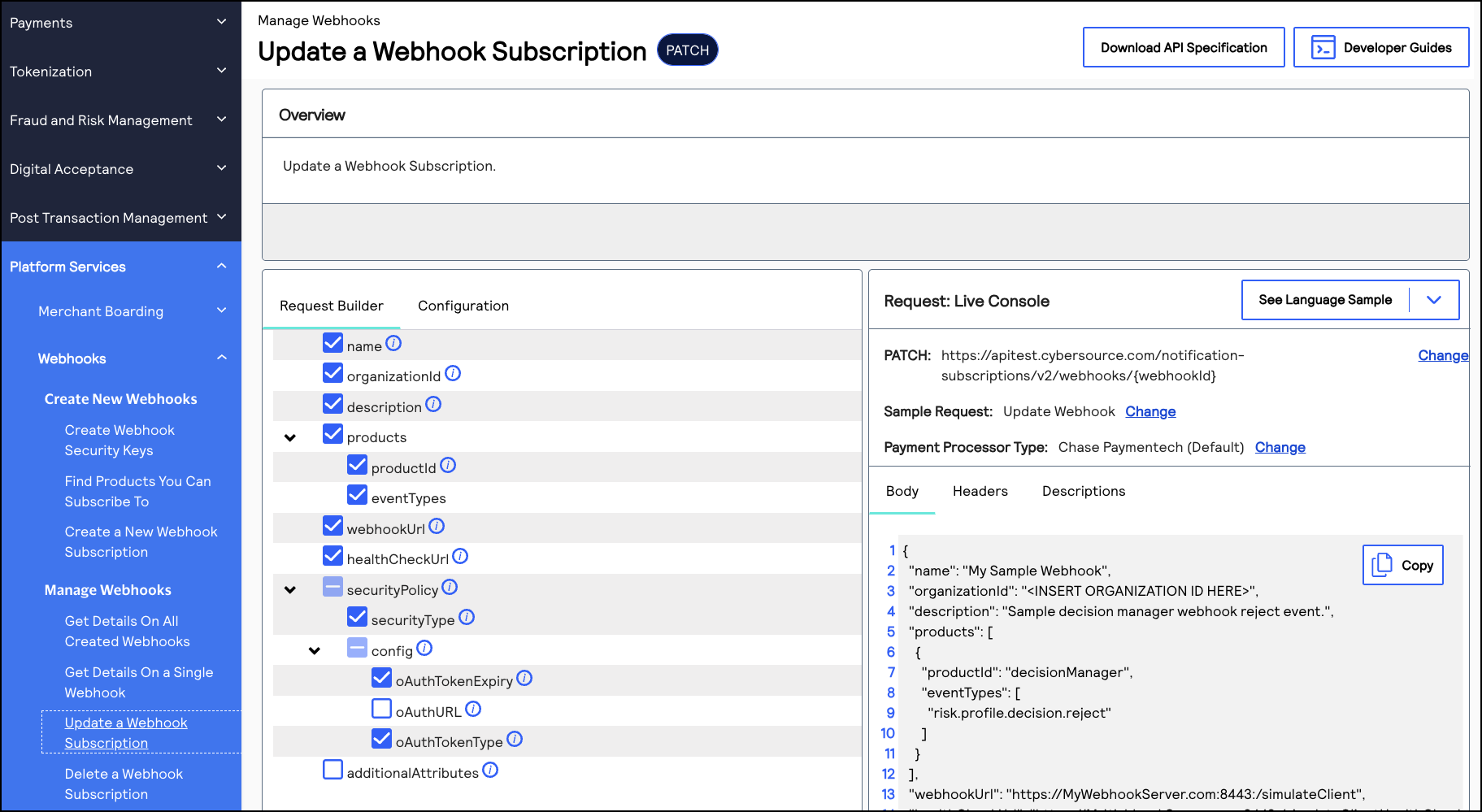
.REST Interactive Example: Updating a Webhook Subscription
REST Interactive Example: Updating a Webhook Subscription
Click this image to access the interactive code example for updating a webhook
subscription.
Figure:
Updating a Webhook Subscription