On This Page
Configure Plugin Settings
Use PrestaShop Back Office to configure these settings:
- General settings
- Payment method settings
- Fraud management settings
- Report settings
- Latin American country settings, if applicable
For details about these settings, see Configuration Settings.
To access these settings, follow
these steps:
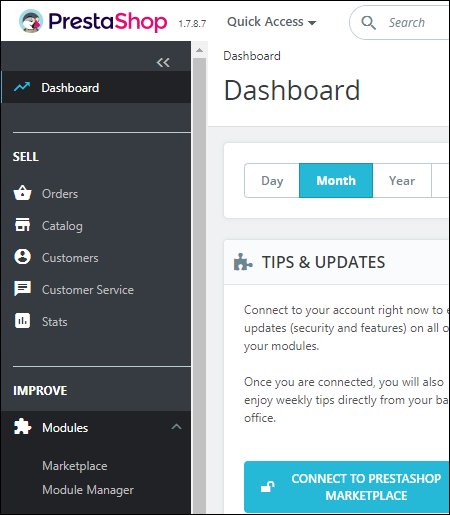
- Open PrestaShop Back Office and selectModules > Module Managerfrom the Dashboard. The Module Manager page displays:
- Locate the Plugin in thePaymentsection on the Module Manager page or enter “CybersourceOfficial” in theSearchfield and clickEnter.

- ClickConfigure. The ConfigureCybersourceOfficial page displays:
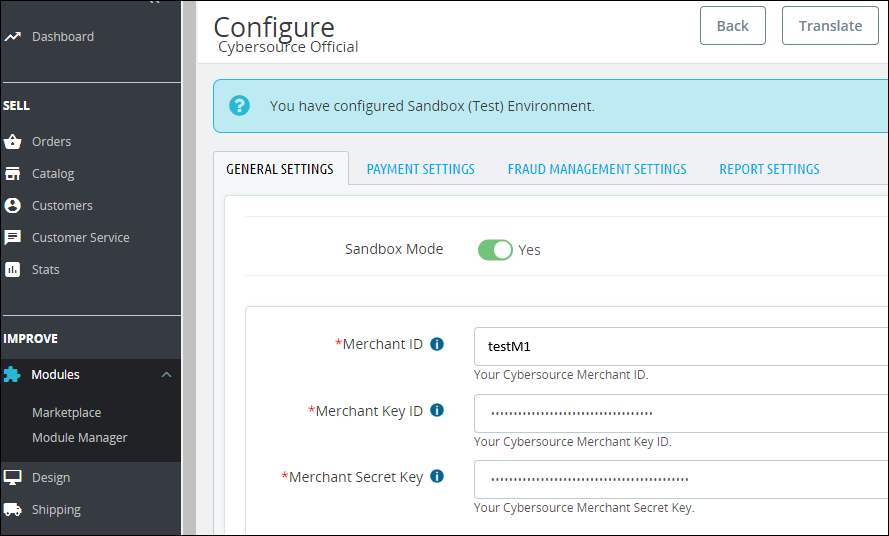
- Select the tabs for the configuration settings you want to configure, enter your configuration selections, and clickSaveto save the configuration settings.